Stop guessing when the check engine light pops on. This 2026 guide shows the best OBD2 scanner for DIY diagnostics and what you actually need.
A check engine light no longer means you have to hand the keys to a shop and hope for the best. The right scan tool can tell you whether you are chasing a loose gas cap, a dead wheel-speed sensor, or a problem that needs professional help.
Start With the Job, Not the Scanner
The best OBD2 scanner for DIY diagnostics is not automatically the most expensive one. It is the tool that can access the modules and live data needed for the cars you actually own. For many home mechanics, that means a solid Bluetooth OBD2 scanner and a good app.
Every U.S.-market gasoline vehicle from 1996 onward and light-duty diesel from 2008 onward supports standardized OBD2 emissions diagnostics. That standard gives you generic powertrain codes, freeze-frame information, readiness monitors, and basic live data. It does not guarantee access to ABS, airbag, transmission, body-control, or manufacturer-specific systems.
That distinction matters during check engine light diagnosis. A generic P0302 code says cylinder No. 2 is misfiring, but it does not identify the culprit. You still need to inspect plugs, coils, injectors, compression, vacuum leaks, and fuel-trim data before throwing parts at it.
What a basic scanner should do
- Read and clear generic OBD2 trouble codes.
- Display live engine data such as coolant temperature, RPM, fuel trims, oxygen-sensor activity, and manifold pressure.
- Show freeze-frame data captured when a fault set.
- Check I/M readiness monitors before an emissions inspection.
- Remain connected reliably without draining the battery or dropping data.
A $20 code reader can handle the first and fourth items. A quality adapter and app can handle all five, with graphing and logging that make intermittent problems much easier to catch. That is why the cheap handheld reader is no longer the automatic DIY default.
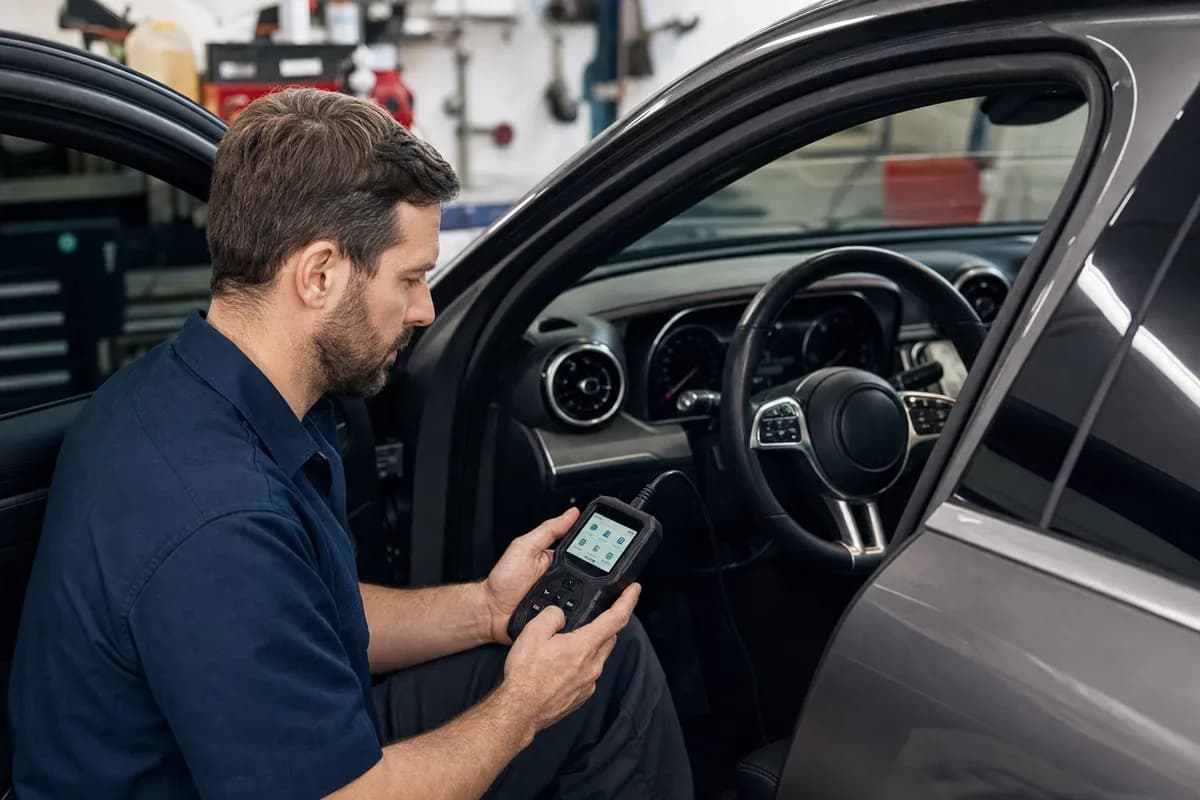
A Bluetooth OBD2 scanner is enough for the majority of engine-light work. It is small, fast, and usually cheaper than a tank of fuel. Pair one with a phone app, and you can view live data while driving, save reports, and research codes without squinting at a two-line display.
Spend more for a dedicated tablet-style scanner when your work expands beyond emissions faults. A better tool can communicate with manufacturer modules, retrieve enhanced codes, perform service resets, and guide you through data streams with fewer app compatibility headaches.
A bidirectional scan tool goes a step further. It sends commands to vehicle modules instead of only reading what they report. Depending on the vehicle and tool coverage, you can command a radiator fan on, cycle an EVAP purge valve, activate an ABS pump, run an injector balance test, retract an electronic parking brake, or perform a throttle-body relearn.
Bidirectional control is a diagnostic shortcut, not a magic repair button. Commanding a fan on proves the command path and fan circuit can work; it does not prove the engine is overheating for the reason you think.
That capability pays for itself when you work on several newer vehicles, own a European luxury car, or routinely handle brakes, cooling-system faults, battery registrations, and module-related repairs. If your usual project is clearing a P0442 small EVAP leak or confirming a misfire, it is probably overkill.
Buy bidirectional capability when you regularly do these jobs
- Electronic parking-brake service during rear brake work.
- ABS bleeding, steering-angle calibration, or battery registration.
- Active tests for fans, fuel pumps, solenoids, relays, and actuators.
- Injector coding, throttle adaptation, transmission relearns, or diesel service functions.
- Diagnosis of body, airbag, chassis, and transmission faults beyond the engine computer.
Tool coverage is never universal. Before buying, enter your exact year, make, model, engine, and market in the manufacturer’s coverage checker. A scanner may advertise “full-system diagnostics” yet lack one specific special function on your particular vehicle.
Best OBD2 Scanner Choices for DIYers in 2026
There is no single winner for every garage, but these tools cover the sensible price steps. Prices vary with sales, subscriptions, bundled adapters, and updates, so treat them as typical street-price ranges rather than fixed MSRP.
| Tool |
Typical price |
Best for |
System access |
Bidirectional controls |
| BlueDriver Bluetooth Pro |
$100-$120 |
Engine-light diagnosis and polished phone reports |
Generic OBD2 plus enhanced coverage on supported makes |
No |
| OBDLink MX+ |
$130-$150 |
Fast, flexible app-based diagnostics |
Generic OBD2; enhanced access depends on app and vehicle |
No |
| Autel MaxiAP AP200 |
$70-$90 |
Budget full-system access for one primary vehicle brand |
Enhanced systems and service functions, coverage dependent |
Limited active tests on supported vehicles |
| XTOOL D7W |
$400-$550 |
Serious home mechanics wanting a dedicated tablet tool |
Full-system diagnostics on broad vehicle coverage |
Yes, coverage dependent |
| Autel MaxiCOM MK808S |
$450-$650 |
Broad service functions and established DIY/pro support |
Full-system diagnostics on broad vehicle coverage |
Yes, coverage dependent |
Best simple choice: BlueDriver Bluetooth Pro
BlueDriver remains a strong pick for the owner who wants a clean answer to a check engine light diagnosis without learning professional scan-tool menus. Its app produces readable repair reports, supports enhanced diagnostics on many popular domestic and Asian vehicles, and does not require a yearly subscription for normal use.
Its weakness is also its boundary: it is not a true bidirectional tool. If you need to command components, perform brake-service functions, or dig deeply into every module, move up to a tablet scanner.
Best flexible Bluetooth choice: OBDLink MX+
The OBDLink MX+ is the enthusiast’s Bluetooth OBD2 scanner. It is quick, reliable, and compatible with a wide range of apps, including FORScan for Ford owners and other brand-focused software. That flexibility makes it especially appealing if you enjoy logging data, coding supported features, or using a laptop as part of your diagnostic setup.
The adapter itself is only half the purchase. App licenses and manufacturer-specific software determine what you can actually access, so budget for the software ecosystem rather than judging the dongle alone.
Best step-up value: Autel MaxiAP AP200
The Autel MaxiAP AP200 is a sensible middle ground for a one-car household. It can access more systems than a generic code reader and offers useful maintenance functions, but its value depends heavily on how Autel’s included vehicle-brand software and update policy fit your garage.
Read the current licensing terms before ordering. A low entry price is attractive, but annual renewal costs can erase the bargain if you want broad multi-brand coverage year after year.
The XTOOL D7W and Autel MK808S are the kind of tools that change how you approach repairs. Their larger screens, full-system scans, live-data graphs, service menus, and active tests save time when the fault is not obvious. Either makes sense for a household with several vehicles or a DIYer who handles more than oil changes and spark plugs.
Choose based on exact coverage, update terms, local support, and the jobs you perform. Do not buy on the longest feature list alone. A scanner that reliably performs the active test you need on your 2021 Ram, 2018 BMW, or 2023 Subaru is worth more than 40 menu items you will never touch.
How to Use a Scanner Without Making the Problem Worse
Reading codes is the beginning of diagnosis, not the finish line. Clearing a code before recording it destroys useful evidence, including freeze-frame conditions and readiness-monitor status. That can turn a quick repair into a frustrating intermittent hunt.
- Scan every available module before clearing anything.
- Save or photograph codes, status, freeze-frame data, and relevant live data.
- Check battery voltage and basic mechanical conditions first.
- Research the code with your vehicle, engine, and symptoms in mind.
- Test the suspected circuit or component before replacing it.
- Clear codes only after repairs, then complete a proper drive cycle and rescan.
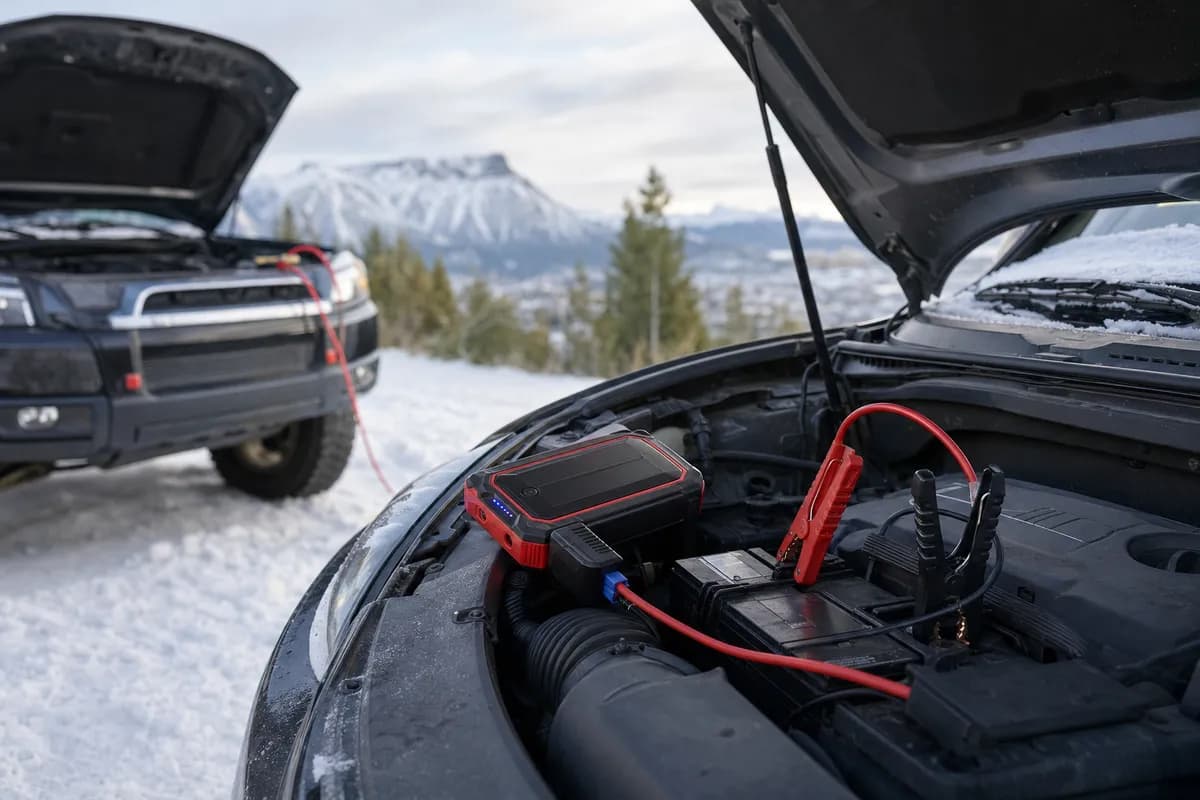
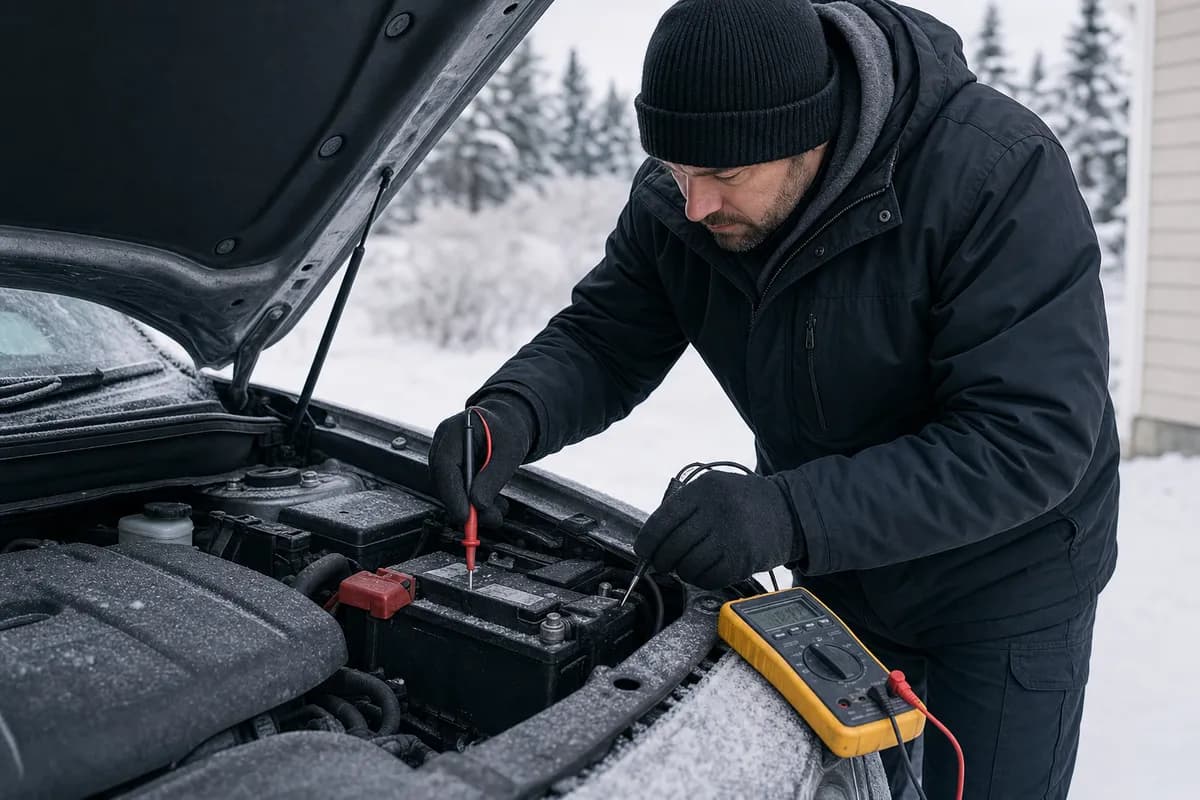
Battery voltage deserves special attention. Modern vehicles can set communication, steering, transmission, and safety-system codes when voltage is low. A scanner cannot compensate for a tired battery, corroded terminals, or a weak ground strap.
Also avoid permanently leaving a bargain dongle in the diagnostic port. Some remain awake, drain the battery, or offer weak Bluetooth security. Use a reputable adapter, unplug it when parked for extended periods, and do not pair it with unknown devices.
For most owners, the best OBD2 scanner for DIY diagnostics in 2026 is a quality Bluetooth adapter. BlueDriver is the easy recommendation for straightforward engine-light work, while OBDLink MX+ is the better fit for enthusiasts who want app flexibility and manufacturer-specific software.
Move to a bidirectional scan tool when you routinely repair newer cars beyond the engine bay. The XTOOL D7W and Autel MK808S cost more, but active tests and service functions can prevent unnecessary parts purchases and reduce trips to the shop. Buy coverage first, features second, and remember that the scanner reports symptoms; good diagnosis still requires testing.
Frequently Asked Questions
What is the best OBD2 scanner for DIY diagnostics?
For most DIY owners, BlueDriver is a strong all-around choice because it combines reliable Bluetooth operation with an easy app and useful enhanced-code coverage. If you want broader app compatibility and deeper enthusiast software support, the OBDLink MX+ is often the better long-term adapter.
Can a Bluetooth OBD2 scanner diagnose a check engine light?
Yes. A good Bluetooth OBD2 scanner can read generic codes, display freeze-frame information, and show live data needed for many check engine light diagnosis jobs. It cannot physically test a bad coil, vacuum leak, fuel injector, or worn timing component, so use the data to direct further testing.
It is worth it if you do brake service with electronic parking brakes, diagnose ABS or body modules, or need active tests and relearns. For occasional code reading and emissions readiness checks, a bidirectional scanner is usually more tool than you need.
Will any OBD2 scanner work on every car?
Every compliant scanner can read generic emissions-related OBD2 information on compatible vehicles, but enhanced diagnostics vary by brand and model. Always check the scanner maker’s vehicle coverage list for your exact year, engine, and desired function before buying.
Get the latest car reviews in your inbox
Join thousands of car enthusiasts. No spam, unsubscribe any time.




Comments
Leave a comment