
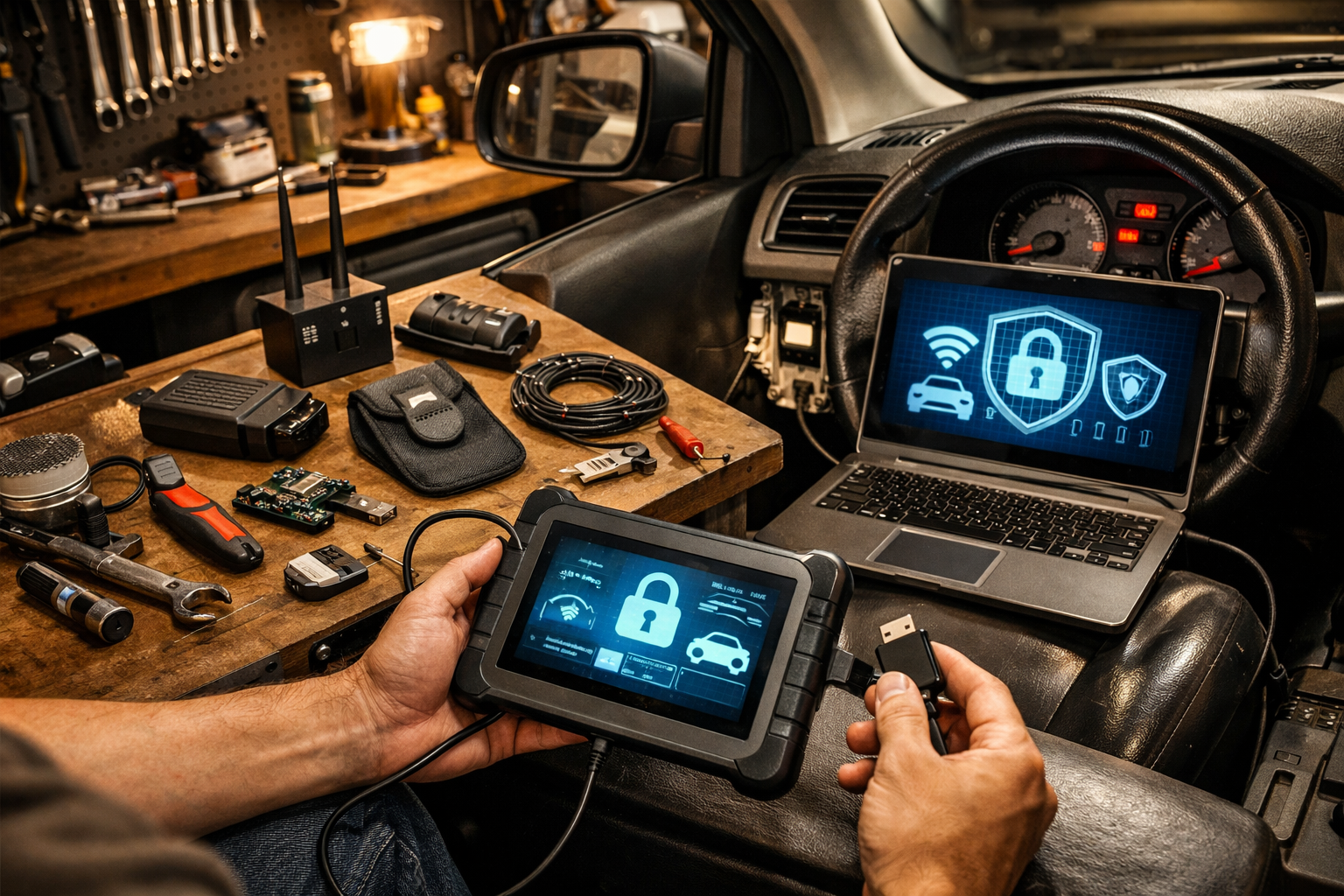
Your car isn’t just burning gas anymore — it’s running software. And in 2026, car cybersecurity is as real as changing your oil. That push-button start, wireless key fob, and over-the-air updates? All convenient. All potential entry points if you don’t lock things down.
I’ve spent 20 years worrying about blown head gaskets and worn brake pads. Now I’m seeing something new in the shop: owners asking if someone can “hack” their vehicle. Short answer? Yes. Long answer? You can make it a whole lot harder.
In this guide, I’ll walk you through practical, everyday steps to prevent car hacking, protect your connected car security, and avoid becoming an easy target for automotive cyber threats. No computer science degree required.
What You’ll Need
- Tools: Faraday key fob pouch ($15), basic OBD2 scanner ($40–$120), small flathead screwdriver, 10mm socket (for battery disconnect if needed)
- Parts/Materials: Software updates (free), password manager app (often free), steering wheel lock ($35–$60)
- Time: 30 minutes basic setup; 1–2 hours if updating systems and checking settings
- Difficulty: 🔧🔧 (2/5 — mostly common sense and settings)
- Dealer Cost: $150–$300 “security inspection” vs DIY Cost: $50–$150 — You Save: $100+
Why This Matters
Ignoring car cybersecurity today is like leaving your garage door open overnight. Most nights, nothing happens. One night? Your car’s gone.
Modern vehicles — especially 2024–2026 models from Toyota, Ford, Hyundai, GM, and Tesla — are rolling Wi-Fi hotspots. They use Bluetooth, cellular data, GPS, and remote start apps. That convenience creates connected car security risks if passwords are weak or software isn’t updated.
Worst-case scenarios I’ve read in industry bulletins: remote unlocking, key fob signal relays, location tracking, and even immobilizer bypass attempts. The NHTSA has issued cybersecurity guidance for manufacturers, but owners still play a big role.
Think of it like changing engine oil. Do it regularly, and everything runs smooth. Ignore it, and things get expensive fast.
Before You Start
⚠️ WARNING: If you’re disconnecting your vehicle’s battery to reset infotainment or telematics systems, always turn the ignition OFF and wait at least 5 minutes. Some hybrid and EV systems retain voltage.
⚠️ WARNING: Never plug unknown USB devices into your vehicle’s data port. That’s the 2026 version of sticking mystery gas in your tank.
Park on a flat surface, ignition off. If accessing battery terminals, use a 10mm socket — not pliers — and disconnect the negative terminal first.
When NOT to DIY: If your vehicle has an active recall related to telematics or software, check NHTSA recalls and let the dealer handle it free. Don’t pay for something covered.
If you’re shopping for a new ride, read our Car Buying Tips 2026: Avoid Overpaying Smartly — because cybersecurity features are now part of smart buying decisions.
Step-by-Step Guide
-
Update Your Vehicle Software
Go into your infotainment settings and check for system updates. Many 2025–2026 models offer over-the-air updates via Wi-Fi.
Pro Tip: Connect to your home Wi-Fi, not public coffee shop networks. -
Strengthen App Passwords
Change your vehicle app password to at least 12 characters with numbers and symbols. Enable two-factor authentication if available.
I’ve seen owners use “Ford123.” Don’t be that guy. -
Use a Faraday Pouch for Key Fobs
Place your key fob in a signal-blocking pouch at home. This prevents “relay attacks” where thieves amplify your key signal from inside your house.
Cost: $15. Stolen vehicle replacement hassle: priceless. -
Disable Unused Features
If you never use remote unlock or location sharing, turn them off in settings. Fewer open doors means fewer automotive cyber threats. -
Check OBD2 Port Security
Your OBD2 port (under the dash) can be accessed in seconds. Consider a lock cover ($25). At minimum, don’t leave cheap Bluetooth scanners plugged in full-time. -
Avoid Public USB Charging
Use a 12V cigarette lighter adapter instead of unknown USB stations. Data transfer lines can theoretically be exploited. -
Add a Physical Deterrent
Old-school steering wheel locks still work. Visible deterrents often send thieves to easier targets.
If you’re upgrading tech, read Future-Proof Your Car Tech Upgrades 2026 so you’re adding secure systems — not creating new weak spots.
Common Mistakes to Avoid
- Leaving key fobs near the front door. I’ve seen cars stolen from driveways without a single broken window.
- Ignoring software update notifications. That’s like ignoring a recall letter.
- Using public Wi-Fi for updates. You wouldn’t do online banking there — don’t update your truck there.
- Leaving OBD2 scanners plugged in. I’ve seen this drain batteries and create security risks.
- Assuming older cars are immune. Anything with push-button start or telematics has some level of connected car security concern.
In 20 years of wrenching, I’ve learned this: most expensive problems start as small, ignored warnings.
When to Call a Professional
If your infotainment system is glitching, unlocking randomly, or showing unknown paired devices — that’s beyond basic DIY.
A fair diagnostic charge for electronic system inspection runs $120–$180 at an independent shop. Dealers may charge $200+. Ask:
- “Is there a software bulletin for my VIN?”
- “Is this covered under warranty or recall?”
- “Are you charging for a scan, or actual repair time?”
Red flag: They recommend replacing a $1,200 infotainment unit without checking for updates first.
If you drive a hybrid, extra electronic systems mean extra layers — check out Hybrid Car Reliability in 2026: DIY Owner Tips for maintenance advice that overlaps with car cybersecurity best practices.
Recommended Products
- Faraday Defense Key Fob Pouch — $18. What I recommend for daily use.
- Disklok Steering Wheel Lock — $60. Heavy-duty, visible deterrent.
- BlueDriver OBD2 Scanner — $99. Use it when needed; don’t leave plugged in.
- Anker 12V USB Adapter — $20. Safer than mystery gas-station USB ports.
Budget option? Basic Amazon Faraday pouch for $12 works fine. Premium? RFID-blocking lock boxes for home storage.
Do This
- Update vehicle software quarterly
- Use strong, unique app passwords
- Store keys in Faraday pouch at home
- Check NHTSA recalls yearly
Don’t Do This
- Ignore update notifications
- Use public Wi-Fi for vehicle apps
- Leave OBD2 devices plugged in
- Assume “it won’t happen to me”
Look, car cybersecurity isn’t about paranoia. It’s about not being the easiest target on the block. Spend an hour locking things down now, and you’ll sleep better — especially if you park outside.
You can do this. It’s mostly settings, common sense, and a $15 pouch. If you’ve got questions about your specific 2025 or 2026 model, drop them in the comments.
Stay safe under there — and remember, a $20 repair manual saves a $2,000 repair bill.