
You get that letter in the mail or a notification in your app: “Vehicle Software Recall.” Great. Now what? This car software recall guide is here so you don’t waste a Saturday sitting at the dealership, wondering if they’re sneaking in a $189 “inspection package” you never asked for.
Software recalls are the new normal, especially with 2025 and 2026 EVs and hybrids rolling out more code than a Silicon Valley startup. Whether it’s a Honda Prologue recall fix or a Ford infotainment glitch, the process can be smooth — or a headache — depending on how you handle it.
In this guide, I’ll walk you through the dealership recall process, what’s actually free (and what isn’t), and how to protect your time and wallet. I’ve dealt with hundreds of recalls in 20 years under the hood — and I’ve seen customers get upsold when they didn’t need a thing.
What You’ll Need
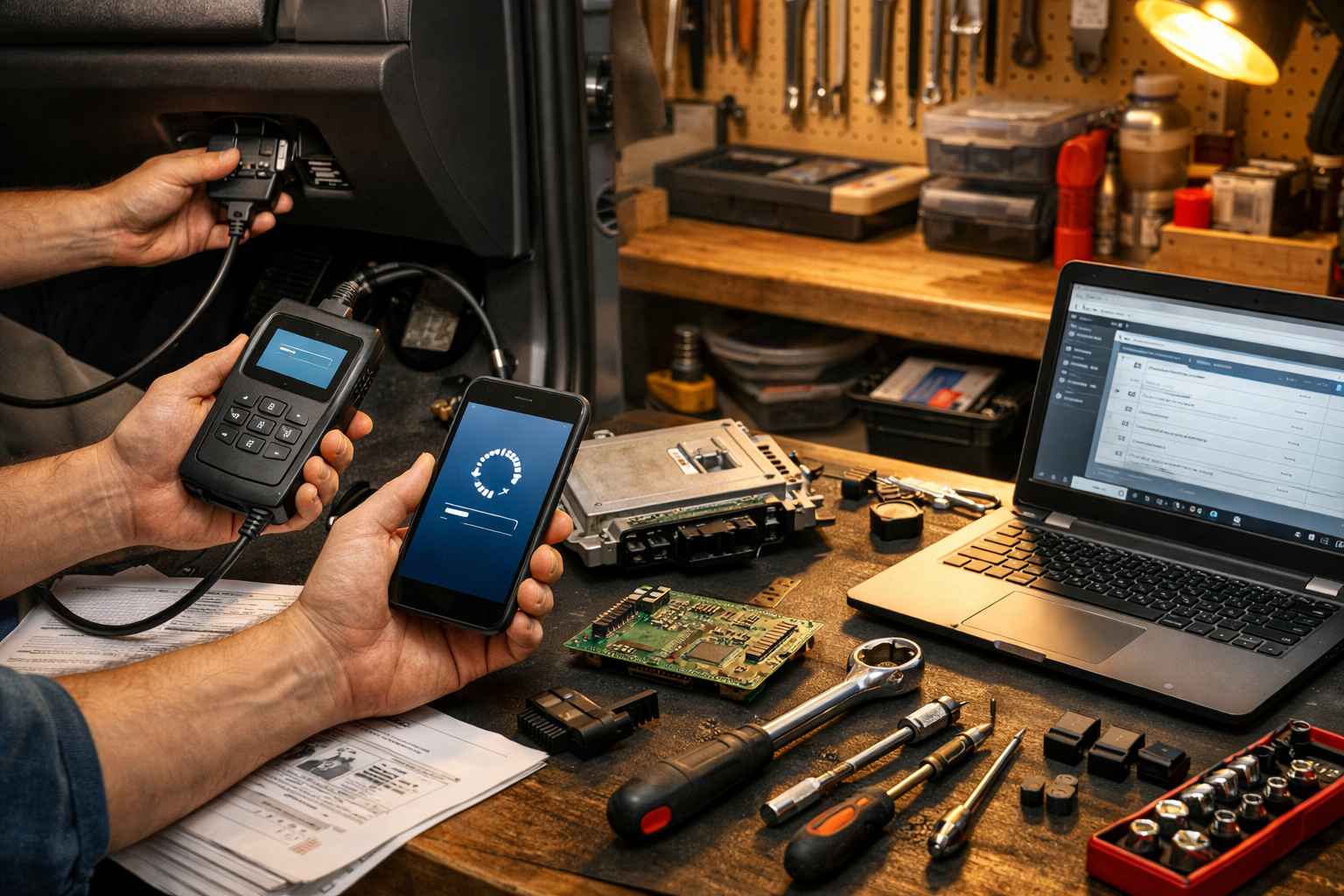
- Tools: VIN number (driver-side dash), smartphone or laptop, OBD2 scanner (optional, $25–$80)
- Parts/Materials: None for software recalls — updates are free
- Time: 10 minutes to check recall; 1–3 hours at dealer (sometimes longer for EVs)
- Difficulty: 🔧 (1/5 — mostly paperwork and patience)
- Dealer Cost: $0 (recalls are legally free) vs DIY Cost: $0 — You Save: Avoid $150–$300 in unnecessary add-ons
Why This Matters
A software recall isn’t just about your radio freezing. We’re talking braking logic, battery management, airbag deployment timing — serious stuff. I’ve seen bad software drain a 12V battery overnight or limit power on the highway.
If you ignore it, you risk safety issues and resale headaches. When you go to trade in — especially if you’re reading our Buy or Sell Car 2026: Smart Market Strategy guide — dealers will check open recalls instantly. An unresolved recall can delay or reduce your trade value.
Check for recalls twice a year or anytime you hear about one in the news. You can verify yours at NHTSA.gov using your VIN in under two minutes.
Before You Start
⚠️ WARNING: Never ignore a recall involving braking, steering, airbags, or battery systems. Those are safety-critical. Don’t “wait until your next oil change.”
1. Park on a flat surface and grab your VIN (look through the windshield on the driver’s side dash).
2. Check NHTSA’s site or your manufacturer’s recall page (Honda, Ford, Toyota, etc.).
3. Call your preferred dealer’s service department directly — not the sales desk.
If you’re driving something like the Honda Prologue, ask specifically about the Honda Prologue recall fix details. Some updates are over-the-air (OTA), others require a service bay visit.
Don’t DIY software flashes unless you’re factory-trained and have manufacturer software access. This isn’t like updating your phone. One wrong interruption and you’ve got a $1,200 control module paperweight.
Step-by-Step Guide
-
Confirm the Recall
Enter your VIN at NHTSA.gov or your manufacturer’s site. Print or screenshot the recall notice. [Photo: VIN location on windshield dash]
Pro Tip: Check for multiple recalls — they often stack them. -
Call and Schedule Smart
Ask: “How long will this software update take?” and “Do you provide a loaner?”
Typical time is 1–2 hours. EV battery module updates can take 3+. -
Ask What Else Is Due — But Don’t Commit
Service advisors love to say, “You’re due for a cabin filter and brake fluid flush.” Maybe you are. Maybe you’re not.
Check your maintenance schedule at the manufacturer’s site or ASE.com guidelines before approving anything. -
Document the Visit
Get a printed repair order showing recall performed at $0. Keep it in your glovebox or digital folder. -
Test Before You Leave
Start the vehicle. Check warning lights. Pair your phone. Make sure nothing obvious is glitching.
I’ve seen updates reset driver profiles and disable safety settings.
This is the core of any solid car software recall guide: verify, schedule smart, don’t get upsold, document everything.
Common Mistakes to Avoid
- Ignoring OTA Notifications — I’ve seen this in the shop a hundred times. People dismiss update prompts for months. Some fixes improve battery longevity.
- Agreeing to Every “Recommended Service” — A dealer may suggest $300–$600 in extras. Recalls are free. Oil changes and filters are not.
- Not Charging Your EV Before the Visit — Some updates require a minimum state of charge. Show up at 15%, and you’ll wait longer.
- Leaving Without Paperwork — No proof means trade-in disputes later.
- Waiting Too Long — Parts and appointment slots can back up, like we saw with the Ford Explorer Recall: Suspension Risk for 412K SUVs.
When to Call a Professional
If your vehicle shows warning lights after an update, or drives differently, go back immediately. Software shouldn’t change how your brake pedal feels or steering responds.
Fair price for recall work? $0. If anyone charges diagnostic fees for recall-related fixes, push back. Recalls are federally mandated repairs.
Ask the advisor: “Is this 100% recall-covered?” and “Are there any charges today?” If they’re vague, that’s a red flag. We’ve got a full breakdown in Avoid Car Dealership Scams: Spot Shady Dealers Fast.
For deeper cybersecurity concerns — especially with connected 2026 models — read Prevent Car Hacking: Practical Car Cybersecurity Tips. Software recalls and digital security go hand in hand now.
Recommended Products
- ANCEL AD310 OBD2 Scanner ($35) — Basic code reader. What I keep in my glovebox.
- NOCO Boost GB40 Jump Starter ($110) — Software glitches sometimes drain 12V batteries.
- Battery Tender Junior ($40) — Great if your car sits during recall delays.
- Vehicle Service Logbook ($15) — Old-school, but resale gold.
Do This
- Check recalls twice a year at NHTSA.gov
- Schedule early morning appointments
- Get written proof of completion
- Verify no surprise charges before signing
Don’t Do This
- Ignore safety-related recalls
- Approve add-ons without checking your manual
- Assume OTA means no action needed
- Leave without testing basic functions
Look, a recall sounds scary, but most software updates are straightforward when you know the dealership recall process. This car software recall guide is about keeping control of your time and your wallet.
You’ve got this. Stay organized, ask smart questions, and don’t let anyone turn a free Honda Prologue recall fix into a $400 “recommended services” surprise.
Drop your recall story in the comments if you’ve had a smooth — or not-so-smooth — experience. Stay safe under there, and remember — a $20 repair manual saves a $2,000 repair bill.