
You hop in your SUV, hit the start button, and that big beautiful center screen? Black. No backup camera, no radio, no climate controls. If you’re staring at a frozen display and Googling a car recall guide at 7 a.m. before work, take a breath — you’re not alone.
Infotainment screen recalls are exploding on 2025 and 2026 SUVs, especially software-heavy models like the Honda Prologue. A blank screen isn’t just annoying — it can kill your backup camera, safety alerts, and even defroster controls. That’s safety and resale value on the line.
In this guide, I’ll walk you through the vehicle recall process explained in plain English, what the Honda Prologue recall steps look like, how to protect yourself from dealer nonsense, and what the infotainment screen recall fix usually involves. Let’s get you sorted without wasting a day at the dealership.
What You’ll Need
- Tools: VIN number (driver’s side dash), smartphone or laptop, 10mm socket (if disconnecting battery), trim tool (optional)
- Parts/Materials: Usually none — recall repairs are free; possible 12V battery reset if DIY ($0–$20)
- Time: 15 minutes to check recall; 1–3 hours at dealer for repair
- Difficulty: 🔧🔧 (mostly paperwork and patience)
- Dealer Cost: $0 (recall-covered) vs DIY Cost: $0 — You Save: $150–$400 diagnostic fee
Why This Matters (Car Recall Guide Basics)
A black screen might seem like a “first-world problem,” but here’s the deal: federal law requires backup cameras to function on all modern vehicles. If your screen is dead, that’s a safety compliance issue.
I’ve seen dealers charge $189 just to “diagnose” a frozen infotainment system that was already covered under recall. Skip the guesswork. A proper car recall guide approach saves you money and keeps you from paying for something that should be free.
Most infotainment-related recalls pop up within the first 1–3 years of a model launch. Software updates are common on newer EVs and hybrids — especially if you’ve been reading about models like those in our Hybrid vs Electric 2026 guide. More tech equals more updates.
Before You Start
⚠️ WARNING: If your screen controls defrost, hazard settings, or backup camera and those features are not working, limit driving until the issue is resolved. Safety systems matter.
1. Park on a flat surface and turn the vehicle fully off.
2. Let the system power down for 5–10 minutes before restarting.
3. Locate your VIN (17-digit number at the base of the windshield).
Check your recall status at NHTSA.gov. It takes 60 seconds. You can also check the manufacturer’s site — for example, Honda owners can use their official recall lookup tool.
If you drive a Honda Prologue, pay attention. The Honda Prologue recall steps often involve a software reflash of the infotainment control module. That’s dealer territory — not something you can do with a wrench in your driveway.
Also, read our deeper breakdown here: Car Software Recall Guide: Navigate Recalls Easily. It complements this car recall guide and walks through software-specific scenarios.
Step-by-Step Guide
-
Confirm the Recall
Enter your VIN at NHTSA or the manufacturer’s site. Look for wording like “infotainment control unit software may cause screen to go blank.” Screenshot it. Documentation protects you. -
Call the Service Department — Not Sales
Ask: “Is this recall repair free of charge, including diagnostics?” If they hesitate, that’s a red flag. -
Ask What the Fix Involves
Most infotainment screen recall fix procedures involve:- Software reflash (1–2 hours)
- Control module replacement (rare, 2–4 hours)
Parts and labor should be 100% covered.
-
Backup Your Settings
Take photos of radio presets and climate preferences. Software flashes wipe memory sometimes.
Pro Tip: I’ve seen navigation settings disappear after updates. Five photos now saves 20 minutes later. -
Temporary Reset (Optional)
If the screen is frozen but no recall shows yet:
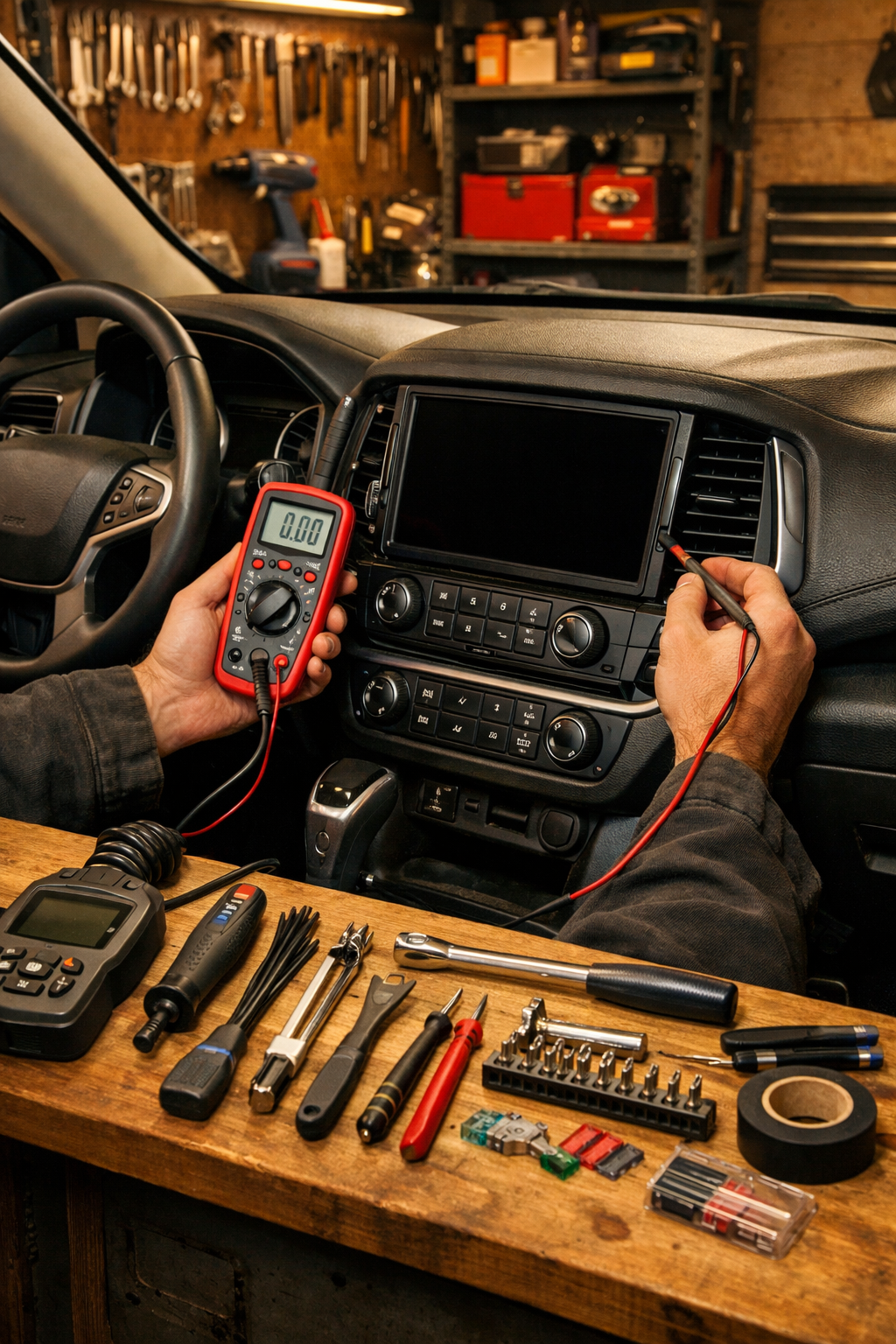
Disconnect the negative battery terminal using a 10mm socket (not a wrench — trust me).
Wait 10 minutes.
Reconnect and tighten snugly (consult your owner’s manual for torque specs).
⚠️ WARNING: Disconnecting the battery can reset safety systems and window auto functions. Never touch both terminals at once. Remove negative first, reconnect negative last.
If your recall involves suspension or structural issues instead — like the Ford Explorer recall we covered — that’s not a “wait a few weeks” situation. Infotainment is inconvenient. Suspension is dangerous.
Common Mistakes to Avoid
- Paying a diagnostic fee. I’ve seen this in the shop a hundred times. If it’s recall-related, you shouldn’t pay $150–$400 for diagnosis.
- Ignoring recall letters. They’re not junk mail. They affect resale value and liability.
- Letting the dealer upsell you. “While you’re here, you need a cabin filter for $89.” That filter costs $18 and takes 5 minutes.
- Waiting too long. Software glitches can spread to other modules if voltage spikes occur.
When to Call a Professional
If your screen failure includes:
- No backup camera image
- ADAS warnings disabled
- Repeated battery drain
That’s dealer time. A fair price for non-recall infotainment diagnostics in 2025 is $150–$220. Module replacement can hit $800–$1,500 if not covered — which is why following a proper car recall guide matters.
Ask the service advisor:
- “Is this covered under federal recall law?”
- “Will I receive documentation showing recall completion?”
If they dodge questions, read our piece on how to avoid car dealership scams. Not every shop is shady — but enough are that you need your guard up.
You can also verify recall obligations through Consumer Reports and safety compliance at NHTSA backup camera standards.
Recommended Products
- OBD2 Scanner (BlueDriver, $99): Helps check for related fault codes before dealer visit.
- 10mm Socket + 3/8″ Ratchet (Tekton, $25): For safe battery resets.
- Battery Terminal Cleaner Brush ($8): Prevents voltage issues that can trigger screen glitches.
- Trickle Charger (NOCO Genius 2, $59): Low voltage causes weird electronic behavior — especially in winter.
What I use in my own garage? BlueDriver and a NOCO charger. Modern SUVs are basically rolling computers. Voltage stability matters.
Do This
- Check recalls with your VIN twice a year
- Keep documentation of all recall repairs
- Confirm $0 cost before authorizing work
- Take photos of settings before updates
Don’t Do This
- Pay diagnostic fees for recall issues
- Ignore a dead backup camera
- Assume software glitches “fix themselves”
- Let dealers bundle paid services into recall visits
A black screen feels scary, but navigating it with a solid car recall guide turns panic into paperwork. Most infotainment screen recall fix jobs cost you nothing but time — if you know the system.
You’ve got this. Check your VIN, document everything, and don’t let anyone charge you for what federal law says is free. Drop your questions below — especially if you’re dealing with Honda Prologue recall steps or a stubborn 2026 SUV.
Stay safe under there — and remember, a $20 repair manual saves a $2,000 repair bill.