
You just bought a 2025 SUV with a giant touchscreen, built-in Google, and more cameras than a reality show. Fast forward two years, and suddenly everyone’s talking about car software updates 2026, subscription features, and “software-defined vehicles.” Now you’re wondering — is your ride about to feel like last year’s smartphone?
This stuff matters. Tech affects resale value, safety features, privacy, and whether your navigation still works five years from now. I’ve seen cars with perfectly healthy engines get dumped cheap because the infotainment system was outdated or glitchy.
In this guide, I’ll show you how to future proof car tech without getting ripped off, how to manage Android Automotive tips like a pro, and how to protect your connected car privacy so your vehicle doesn’t become a rolling data farm.
What You’ll Need
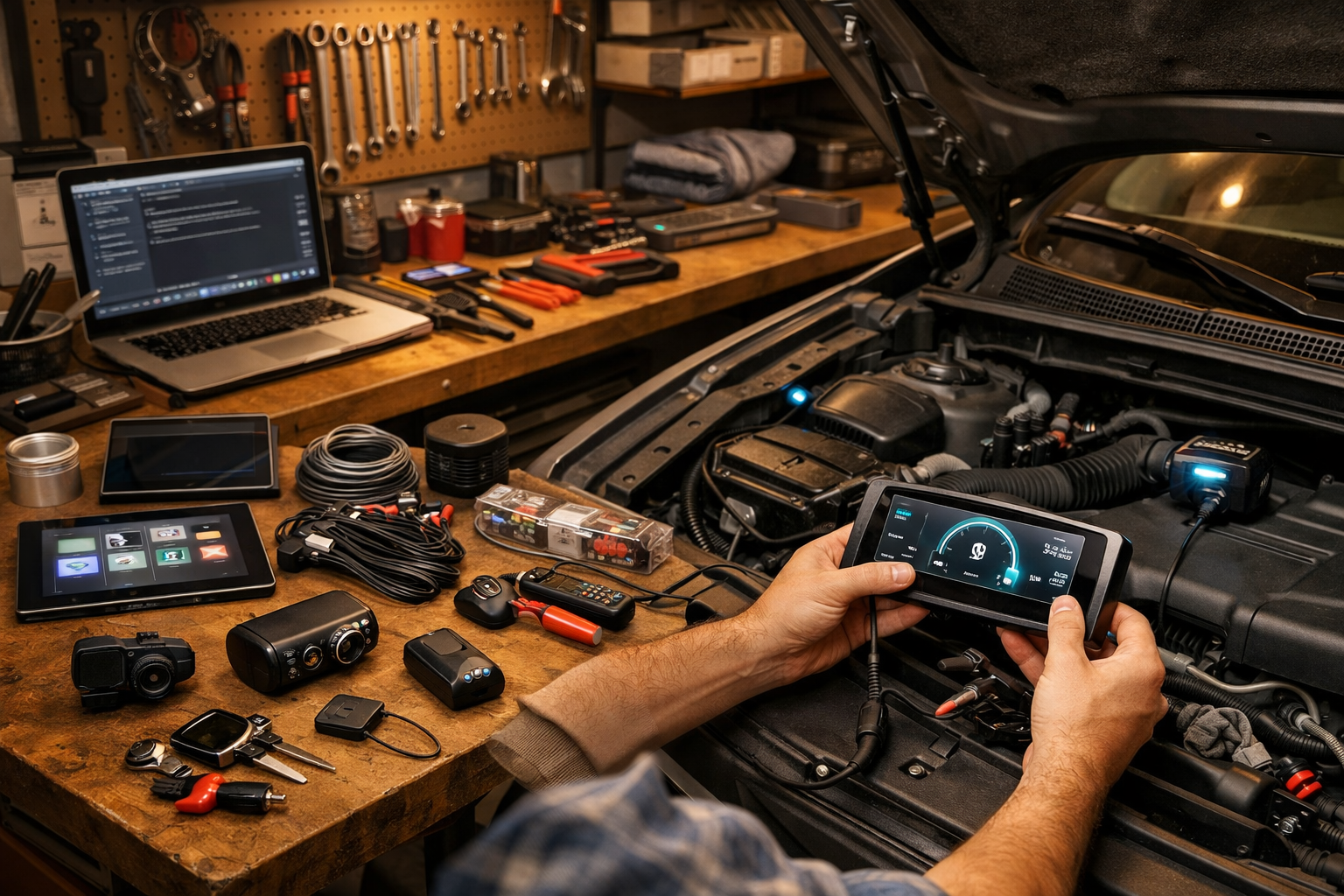
- Tools: Smartphone, home Wi-Fi, OBD2 scanner ($25 basic Bluetooth), 10mm socket (for battery disconnect if needed)
- Parts/Materials: USB-C flash drive (32GB+ $15), surge protector for home charger ($30)
- Time: 30 minutes setup; ongoing 10 minutes per month
- Difficulty: 🔧🔧 (2/5)
- Dealer Cost: $150–$250 “software update service” vs DIY Cost: $0–$40 — You Save: $200+
Why This Matters
In 2026, cars are basically computers with wheels. Some models now run hundreds of gigabytes of code — check out our breakdown on 300GB RAM cars and software-defined vehicles. That’s more computing power than a decent laptop.
If you ignore updates, you risk buggy driver-assist systems, navigation errors, battery drain issues (especially EVs), and security vulnerabilities. I’ve seen outdated firmware cause phantom warning lights that sent owners straight to the dealer for a $180 “diagnostic fee.”
Most manufacturers recommend checking for updates every 1–3 months. Safety recalls tied to software? Those are posted at NHTSA.gov. Skipping them can affect resale and, more importantly, your safety systems like automatic emergency braking.
Before You Start
⚠️ WARNING: Never perform updates with a weak battery. Low voltage during a module flash can corrupt software and brick a control unit — that’s a $1,000–$2,000 mistake.
Park on a flat surface, engine off but ignition in accessory mode if required. If it’s an EV, make sure you’re above 50% battery before large updates.
⚠️ WARNING: Disconnecting the battery? Use a 10mm socket — not pliers — and disconnect the negative terminal first. Some vehicles lose calibration settings when power is cut.
Don’t DIY if your car shows repeated failed update messages, multiple warning lights, or error codes from critical modules (ABS, airbag, powertrain). That’s when you want dealer-level scan tools.
Step-by-Step Guide
-
Enable Automatic Updates
Go into system settings → software → enable OTA (over-the-air) updates. Most 2025–2026 Fords, Toyotas, and GM models support this.
Pro Tip: Connect to home Wi-Fi, not cellular. Updates download faster and more reliably. -
Check for Manual Updates Monthly
Even with OTA on, manually check once a month. Some updates require confirmation.
This is especially important with car software updates 2026 rolling out new driver-assist tweaks. -
Update Android Automotive Properly
If your vehicle runs Google built-in (Volvo, Polestar, GM), keep apps updated separately in the Play Store.
Android Automotive tips: Delete apps you don’t use. Extra apps slow older processors over time. -
Protect Your Connected Car Privacy
Go to settings → privacy → disable unnecessary data sharing. Opt out of “usage-based insurance tracking” unless you want it.
Review manufacturer privacy policies annually. Data collection settings change. -
Keep a USB Backup Option
Some brands (VW, Toyota) allow USB updates. Keep a 32GB USB-C drive formatted and ready.
Download updates only from official manufacturer sites — never third-party forums. -
Use an OBD2 Scanner Quarterly
Scan for hidden codes even if no check engine light is on. A $25 scanner can catch communication faults early.
Common Mistakes to Avoid
- Ignoring small glitches. I’ve seen frozen infotainment systems turn into full module replacements because updates were skipped.
- Paying dealer “update fees.” Unless it’s recall-related or failed OTA, most updates are free. Don’t let them charge $200 to push a button.
- Installing shady third-party firmware. This isn’t a jailbroken iPhone. You can void warranties fast.
- Not checking recall databases. Use NHTSA and manufacturer sites like Toyota’s official maintenance portal.
- Selling without updating. Before listing your car (see our How to Buy or Sell Car 2026 guide), update everything. Buyers notice outdated systems.
When to Call a Professional
If an update fails repeatedly, screens go black, or advanced driver assist features stop working, it’s time for a pro.
Fair price? Diagnostics should run $120–$180. Software reflash labor typically 1 hour max unless multiple modules are involved.
Ask: “Is this covered under technical service bulletins?” Many updates are free under warranty.
Red flags: Shops that can’t explain what module they’re updating, or that recommend replacing hardware before attempting a reflash.
Recommended Products
- BlueDriver Bluetooth OBD2 Scanner ($99): What I use in my own garage. Reads manufacturer-specific codes.
- ANCEL BD310 ($40): Budget-friendly and reliable for basic scans.
- SanDisk 32GB USB-C Flash Drive ($15): Perfect for manual updates.
- APC Surge Protector ($30): Protects home EV chargers and Wi-Fi routers during updates.
If you’re shopping new, tech longevity matters. Read up on trends like Amazon NVIDIA Car AI partnerships and how automakers are planning future systems.
Do This
- Enable OTA updates and check monthly
- Scan for hidden codes quarterly
- Review privacy settings twice a year
- Update before selling your vehicle
Don’t Do This
- Ignore failed update messages
- Pay dealers for free updates
- Install unofficial firmware
- Let your battery die mid-update
Look, car software updates 2026 aren’t something to fear. Think of it like changing oil — regular attention prevents expensive headaches. The difference? This maintenance costs almost nothing if you stay on top of it.
Future proof car tech isn’t about chasing every new gadget. It’s about keeping what you already paid for running smoothly, protecting your connected car privacy, and staying informed. A little effort today keeps your ride relevant — and valuable — five years from now.
You’ve got this. Spend 30 minutes this weekend checking settings and scanning for updates. If you hit a snag, drop your vehicle year/make/model in the comments and I’ll steer you straight. Stay safe under there — and remember, a $20 repair manual saves a $2,000 repair bill.