
You know that moment when your 2026 SUV asks you to “accept updated data sharing terms” on the dash screen? Yeah — that’s not just legal mumbo jumbo. Vehicle connectivity explained in plain English means your car is basically a smartphone on wheels, constantly sending and receiving data.
That matters because your ride isn’t just tracking oil life anymore. It can log your location, driving habits, contacts, voice commands, and even garage door codes. Ignore it, and you could be handing over more personal info than you realize — sometimes to companies you’ve never heard of.
In this guide, I’ll break down how connected car systems work, what data they collect, and simple automotive cybersecurity tips you can handle yourself. No engineering degree required. Just some common sense and a few smart settings changes.
What You’ll Need
- Tools: Your vehicle owner’s manual, smartphone, secure Wi‑Fi connection, 10mm wrench (for battery disconnect if needed)
- Parts/Materials: USB drive for updates ($10–$20), password manager app (often free), optional OBD2 scanner ($40–$100)
- Time: 30 minutes beginner / 15 minutes experienced
- Difficulty: 🔧🔧 (2/5)
- Dealer Cost: $120–$180 “diagnostic/security check” vs DIY Cost: $0–$20 — You Save: $100+
Why This Matters
Skip understanding car internet features, and you’re gambling with privacy and sometimes safety. I’ve seen vehicles come into the shop with compromised infotainment systems that drained batteries overnight because of malware-like software glitches.
Modern 2025–2026 vehicles use telematics control units (TCUs). That’s a small computer with a cellular connection — think built-in Verizon or AT&T signal — constantly communicating with servers. It handles navigation, remote start apps, emergency services, and over-the-air updates.
If that system isn’t secured, hackers can potentially access location data or unlock functions. Rare? Yes. Impossible? Nope. The NHTSA tracks cybersecurity concerns just like recalls.
This is why vehicle connectivity explained properly is about more than convenience — it’s about controlling your own data. Check your privacy settings twice a year, especially before road-trip season or winter storage.
Before You Start
⚠️ WARNING: If you disconnect your battery to reset systems, you may lose radio codes, seat memory, and adaptive transmission settings. Some vehicles require reprogramming after power loss.
Park on a flat surface, ignition off, parking brake set. If you’re accessing the battery, use a 10mm socket with a ratchet — not an adjustable wrench. Trust me, rounded terminals are no fun.
Know when not to DIY. If your vehicle shows persistent software errors, frozen screens, or warning messages tied to safety systems (ADAS, braking assist), that’s dealer-level programming territory.
Check for open recalls first. Our Car Software Recall Guide: Navigate Recalls Easily walks you through it. You can also verify recalls at NHTSA.gov.
Step-by-Step Guide
-
Read Your Privacy Settings Menu
Go into Settings > Privacy or Data Sharing. Ford, Toyota, Honda, Tesla — they all bury it somewhere different. Look for options about location tracking, driving behavior, and third-party sharing.
Pro Tip: Turn off “Usage-Based Insurance Sharing” unless you intentionally signed up for it. -
Update Your Vehicle Software
Connect to secure home Wi‑Fi — never public coffee shop Wi‑Fi. Install pending updates. Many cybersecurity patches come quietly bundled in system updates.
If your vehicle requires USB updates, use a clean 16GB flash drive ($15 at any parts store). -
Secure Your Connected App
Change your password to at least 12 characters. Enable two-factor authentication. If someone hacks your email, they shouldn’t be able to unlock your car too. -
Delete Old Drivers and Devices
Selling the car? Remove all Bluetooth devices and app access. Factory reset the infotainment system. I’ve seen trade-ins where the previous owner’s garage door still worked. -
Scan for Suspicious OBD2 Devices
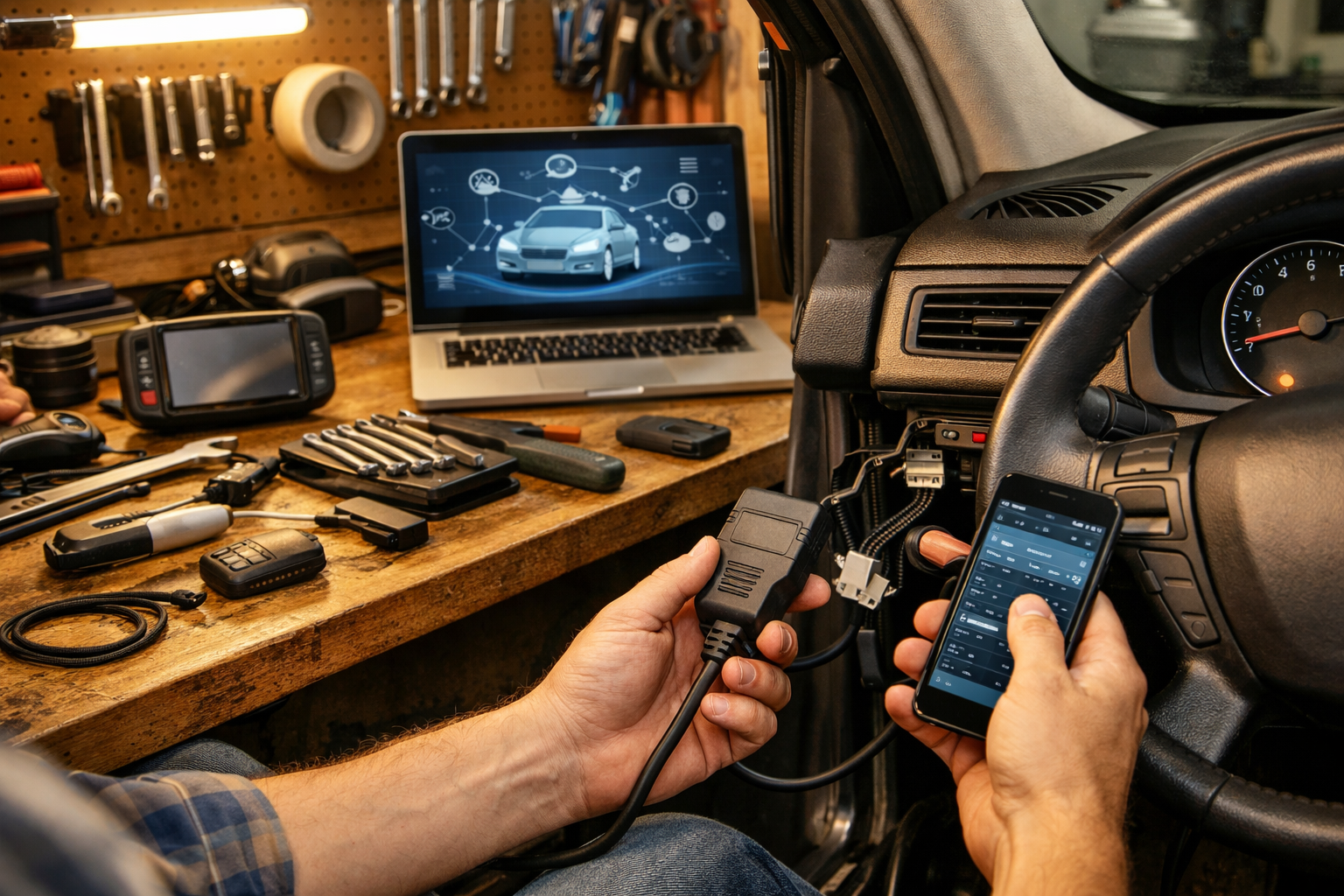
Insurance trackers and fleet plugs connect under the dash. If you don’t recognize it, unplug it. Use an OBD2 scanner ($60 average) to check for unusual codes.
If you want deeper protection steps, check out our full Prevent Car Hacking: Practical Car Cybersecurity Tips guide.
Common Mistakes to Avoid
- Using public Wi‑Fi for updates. I’ve seen corrupted downloads brick infotainment units. Dealer reflash? $250–$400.
- Ignoring software recall notices. Some updates fix braking assist or backup camera glitches. That’s safety, not convenience.
- Selling a car without resetting it. Your home address stays in navigation history. I’ve personally found this in trade-ins.
- Weak passwords. “Password123” belongs in 2005, not your 2026 connected truck.
- Assuming EVs are riskier than gas cars. Truth is, both use similar telematics systems. If you’re comparing models, our EV vs Hybrid 2026 guide breaks down tech differences.
When to Call a Professional
If your infotainment system freezes repeatedly, reboots randomly, or disables safety features, that’s beyond driveway fixes.
Fair pricing for software diagnostics in 2026 runs $120–$180. Anything over $200 better include module reprogramming. Ask:
- Is this covered under powertrain or bumper-to-bumper warranty?
- Is this a known technical service bulletin (TSB)?
- Will this update change my data-sharing settings?
Red flag? A service advisor pushing unrelated maintenance while you’re there. Cybersecurity update does NOT require a $79 cabin air filter.
Recommended Products
- BlueDriver Bluetooth OBD2 Scanner ($99): What I use in my own garage. Reads manufacturer-specific codes.
- Anker 16GB USB 3.0 Drive ($15): Reliable for firmware installs.
- Bitwarden Password Manager (Free–$10/year): Simple way to secure your vehicle app login.
- Faraday Key Fob Pouch ($20): Blocks signal relay attacks — cheap insurance.
For broader connected car data privacy insights, Consumer Reports does solid testing at ConsumerReports.org, and manufacturer policies are listed in your brand’s official owner portal.
Do This
- Update vehicle software twice a year
- Enable two-factor authentication
- Factory reset before selling
- Check recalls annually
Don’t Do This
- Ignore data-sharing settings
- Use public Wi‑Fi for updates
- Reuse weak passwords
- Pay dealer for unnecessary “security inspections”
Here’s the bottom line: vehicle connectivity explained simply means your car is part computer, part rolling data center. Treat it like you would your laptop or phone. Update it, secure it, and control what it shares.
You don’t need to fear connected tech — just understand it. Spend 30 minutes today locking things down, and you’ll avoid headaches later. Got questions about your specific model? Drop them in the comments.
Stay safe under there — and remember, a $20 repair manual saves a $2,000 repair bill.